引言
在最近的项目开发中,经常会使用到图片上传,但是过大的图片在查看的时候会影响打开速度,浪费流量以及服务器存储空间,所以需要在后端处理完图片再上传,这里我们用到了Thumbnails图片处理工具类。
Thumbnails主要支持以下一些功能
1、指定大小进行缩放
2、按照比例进行缩放
3、不按照比例,指定大小进行缩放
4、旋转
5、水印
6、裁剪
7、转化图片格式
8、输出到OutputStream
9、输出到BufferedImage
使用步骤:
一、添加Maven
<dependency> <groupId>net.coobird</groupId> <artifactId>thumbnailator</artifactId> <version>0.4.8</version></dependency>
二、具体操作
1:指定大小进行缩放
/** * 指定大小进行缩放 * * @throws IOException */ private void test1() throws IOException { /* * size(width,height) 若图片横比200小,高比300小,不变 * 若图片横比200小,高比300大,高缩小到300,图片比例不变 若图片横比200大,高比300小,横缩小到200,图片比例不变 * 若图片横比200大,高比300大,图片按比例缩小,横为200或高为300 */ Thumbnails.of("images/test.jpg").size(200, 300).toFile("C:/image_200x300.jpg"); Thumbnails.of("images/test.jpg").size(2560, 2048).toFile("C:/image_2560x2048.jpg"); }2:按照比例进行缩放
 /**  * 按照比例进行缩放  * scale 图片的压缩比例 值在0-1之间,1f就是原图,0.5就是原图的一半大小
  * outputQuality 图片压缩的质量 值在0-1 之间,越接近1质量越好,越接近0 质量越差  * @throws IOException  */ private void test2() throws IOException {  /**   * scale(比例)   */  Thumbnails.of("images/test.jpg").scale(0.25f).outputQuality(0.8f).toFile("C:/image_25%.jpg");  Thumbnails.of("images/test.jpg").scale(0.75f).outputQuality(0.8f).toFile("C:/image_110%.jpg"); }
3:不按照比例,指定大小进行缩放
 /**  * 不按照比例,指定大小进行缩放  *  * @throws IOException  */ private void test3() throws IOException {  /**   * keepAspectRatio(false) 默认是按照比例缩放的   */  Thumbnails.of("images/test.jpg").size(120, 120).keepAspectRatio(false).toFile("C:/image_120x120.jpg");
 }
4:旋转
/** * 旋转 * * @throws IOException */ private void test4() throws IOException { /** * rotate(角度),正数:顺时针 负数:逆时针 */ Thumbnails.of("images/test.jpg").size(1280, 1024).rotate(90).toFile("C:/image+90.jpg"); Thumbnails.of("images/test.jpg").size(1280, 1024).rotate(-90).toFile("C:/iamge-90.jpg"); }5:水印
/** * 水印 * * @throws IOException */ private void test5() throws IOException { /** * watermark(位置,水印图,透明度) */ Thumbnails.of("images/test.jpg").size(1280, 1024).watermark(Positions.BOTTOM_RIGHT, ImageIO.read(new File("images/watermark.png")), 0.5f) .outputQuality(0.8f).toFile("C:/image_watermark_bottom_right.jpg"); Thumbnails.of("images/test.jpg").size(1280, 1024).watermark(Positions.CENTER, ImageIO.read(new File("images/watermark.png")), 0.5f) .outputQuality(0.8f).toFile("C:/image_watermark_center.jpg"); }6:裁剪
/** * 裁剪 * * @throws IOException */ private void test6() throws IOException { /** * 图片中心400*400的区域 */ Thumbnails.of("images/test.jpg").sourceRegion(Positions.CENTER, 400, 400).size(200, 200).keepAspectRatio(false) .toFile("C:/image_region_center.jpg"); /** * 图片右下400*400的区域 */ Thumbnails.of("images/test.jpg").sourceRegion(Positions.BOTTOM_RIGHT, 400, 400).size(200, 200).keepAspectRatio(false) .toFile("C:/image_region_bootom_right.jpg"); /** * 指定坐标 */ Thumbnails.of("images/test.jpg").sourceRegion(600, 500, 400, 400).size(200, 200).keepAspectRatio(false).toFile("C:/image_region_coord.jpg"); }7:转化图片格式
/** * 转化图片格式 * * @throws IOException */ private void test7() throws IOException { /** * outputFormat(图像格式) */ Thumbnails.of("images/test.jpg").size(1280, 1024).outputFormat("png").toFile("C:/image_1280x1024.png"); Thumbnails.of("images/test.jpg").size(1280, 1024).outputFormat("gif").toFile("C:/image_1280x1024.gif"); }8:输出到OutputStream
/** * 输出到OutputStream * * @throws IOException */ private void test8() throws IOException { /** * toOutputStream(流对象) */ OutputStream os = new FileOutputStream("C:/image_1280x1024_OutputStream.png"); Thumbnails.of("images/test.jpg").size(1280, 1024).toOutputStream(os); }9:输出到BufferedImage
/** * 输出到BufferedImage * * @throws IOException */ private void test9() throws IOException { /** * asBufferedImage() 返回BufferedImage */ BufferedImage thumbnail = Thumbnails.of("images/test.jpg").size(1280, 1024).asBufferedImage(); ImageIO.write(thumbnail, "jpg", new File("C:/image_1280x1024_BufferedImage.jpg")); }三、对图片文件进行Base64操作
/** * 对内存中的图片文件进行Base64处理 * * @throws IOException */ public String Base64ImageByMemory(BufferedImage pic) { String imgString = ""; ByteArrayOutputStream newBaos = new ByteArrayOutputStream();//io流 try { ImageIO.write(pic, "jpg", newBaos);//写入流中 byte[] bytes = newBaos.toByteArray();//转换成字节 imgString = URLEncoder.encode(new BASE64Encoder().encode(bytes), "UTF-8"); } catch (Exception e) { e.printStackTrace(); } return imgString; }四、获取服务器图片文件大小
/** * 输出到OutputStream * * @throws IOException */ public void getImageFileSize(){ int size; URLConnection conn; try { String path=""; path="https://bkimg.cdn.bcebos.com/pic/a8773912b31bb051c36044e93b7adab44bede0af";//世界地图 //path=":9017/image/0c09ca36-abea-4efa-85b0-99b6d261f66c"; //服务器上图片 URL url = new URL(path); conn = url.openConnection(); size = conn.getContentLength(); if (size < 0){ System.out.println("Could not determine file size."); }else{ System.out.println("The size of file is = " + size + " bytes"); BigDecimal filesize = new BigDecimal(size); BigDecimal megabyte = new BigDecimal(1024 * 1024); float returnValue = filesize.divide(megabyte, 2, BigDecimal.ROUND_UP).floatValue(); System.out.println("The size of file is = "+returnValue+"M"); } conn.getInputStream().close(); } catch (IOException e) { e.printStackTrace(); } }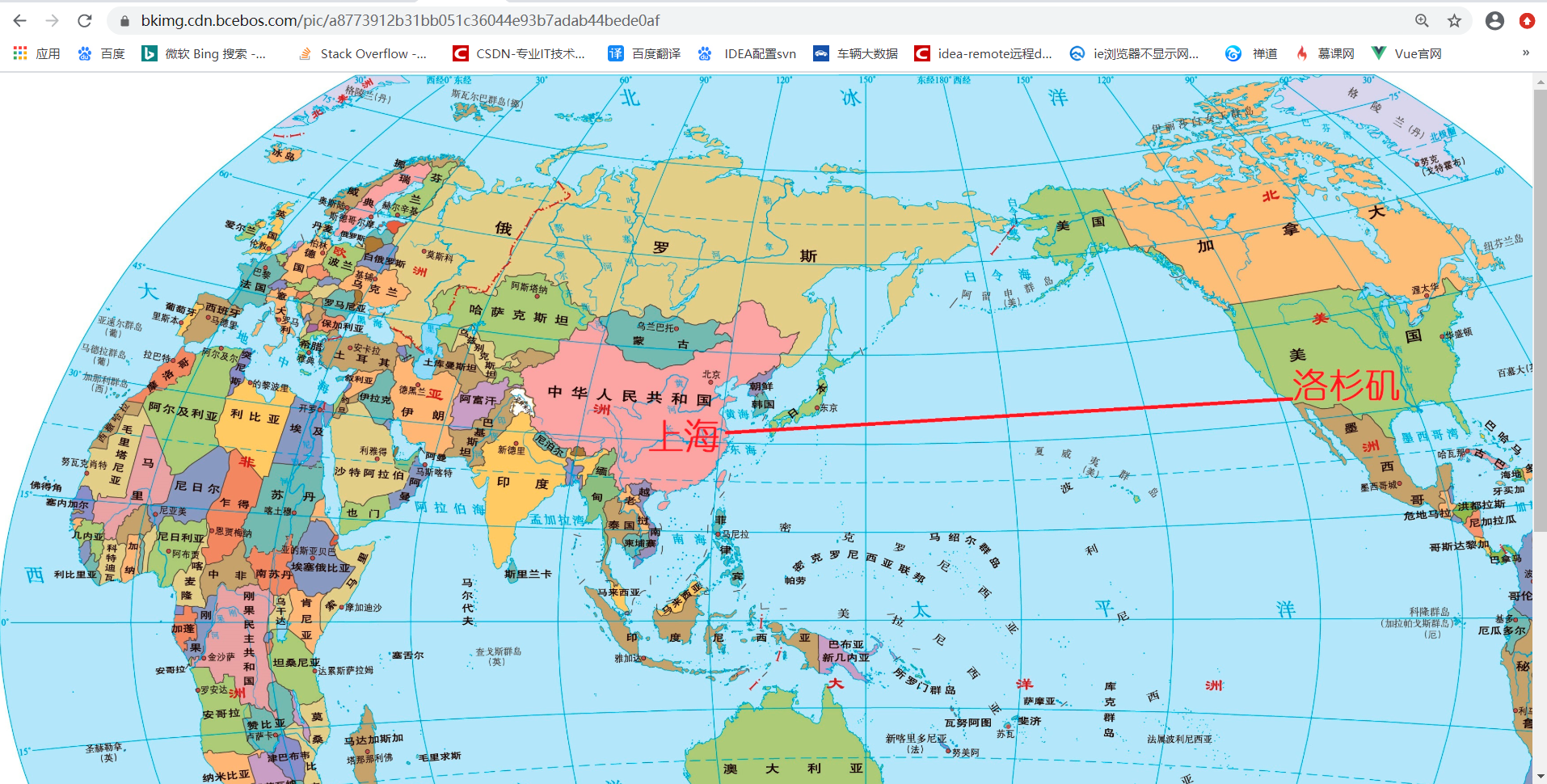
至此,图片压缩的相关处理和Base64以及获取服务器文件大小的功能就总结完了!
原文转载:http://www.shaoqun.com/a/489223.html
燕文物流:https://www.ikjzd.com/w/2229
oklink:https://www.ikjzd.com/w/1362
中国邮政邮乐网:https://www.ikjzd.com/w/1776
引言在最近的项目开发中,经常会使用到图片上传,但是过大的图片在查看的时候会影响打开速度,浪费流量以及服务器存储空间,所以需要在后端处理完图片再上传,这里我们用到了Thumbnails图片处理工具类。Thumbnails主要支持以下一些功能1、指定大小进行缩放2、按照比例进行缩放3、不按照比例,指定大小进行缩放4、旋转5、水印6、裁剪7、转化图片格式8、输出到OutputStream9、输出到Buf
pocket:https://www.ikjzd.com/w/1903
ola:https://www.ikjzd.com/w/2103
三亚穿衣注意事项 :http://tour.shaoqun.com/a/54612.html
ebay培训:https://www.kjyunke.com/categories/155/courses
成都黄龙溪古镇图片 :http://tour.shaoqun.com/a/49374.html

没有评论:
发表评论